Keyless car access for car sharing, car rental and corporate fleets: unlock cars with a smartphone through telematics or Bluetooth and hand over vehicles 24/7 without keys or staff.
Short answer: Keyless car access lets a verified driver unlock and lock a booked car from a smartphone. The CT Mobility platform sends the command to a telematics unit in the car, or uses Bluetooth where there is no mobile signal. It suits car sharing, rental and pool cars and needs a compatible unit in each car; pricing on request.
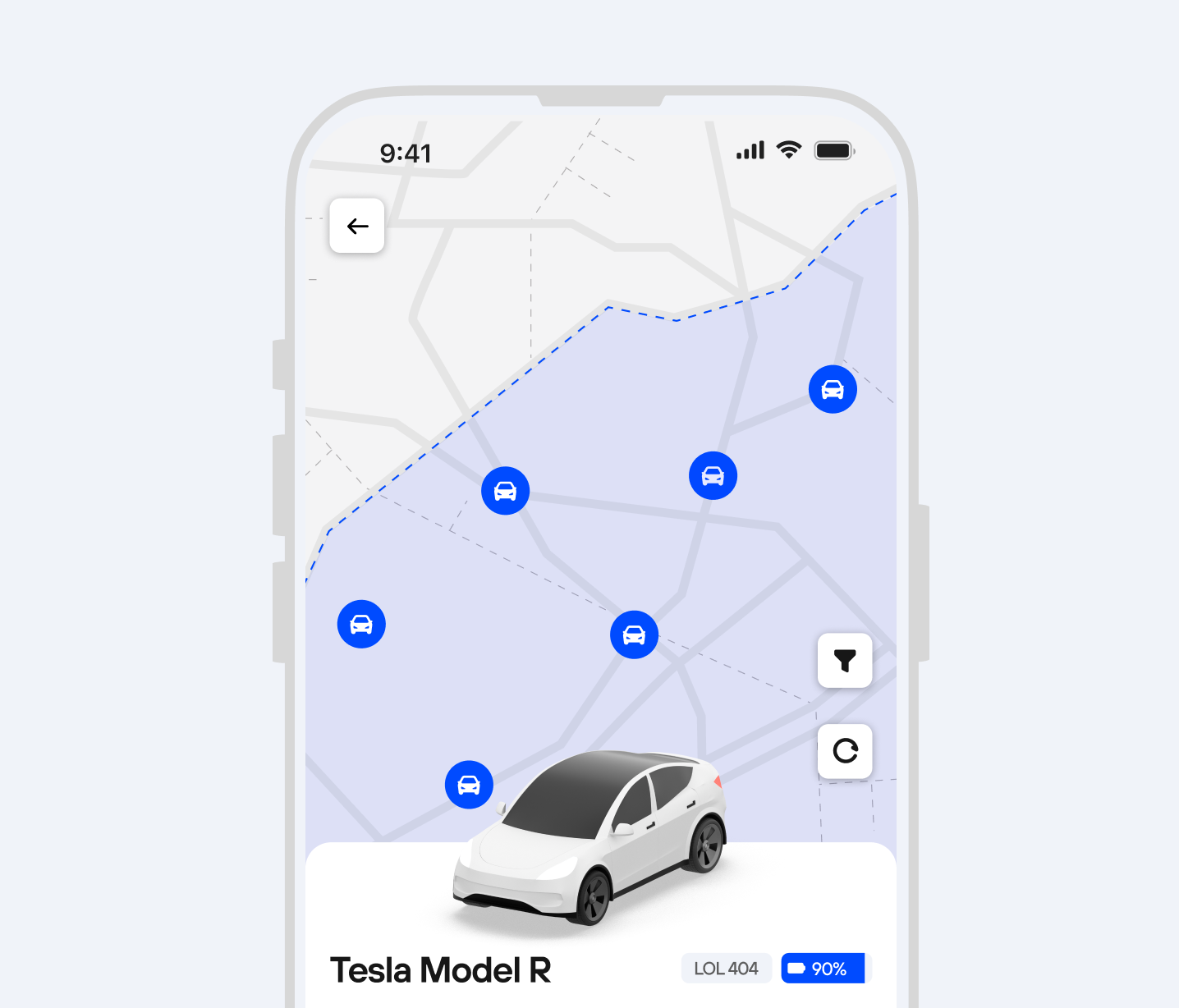
Customers open and lock the car from their phone after booking. The command goes from the CT Mobility platform to the telematics unit in the car, so keyless car rental and car sharing work 24/7 without key handover.
We integrate telematics units such as Teltonika and support Bluetooth access, so the digital key keeps working in underground parking or places with weak mobile coverage.
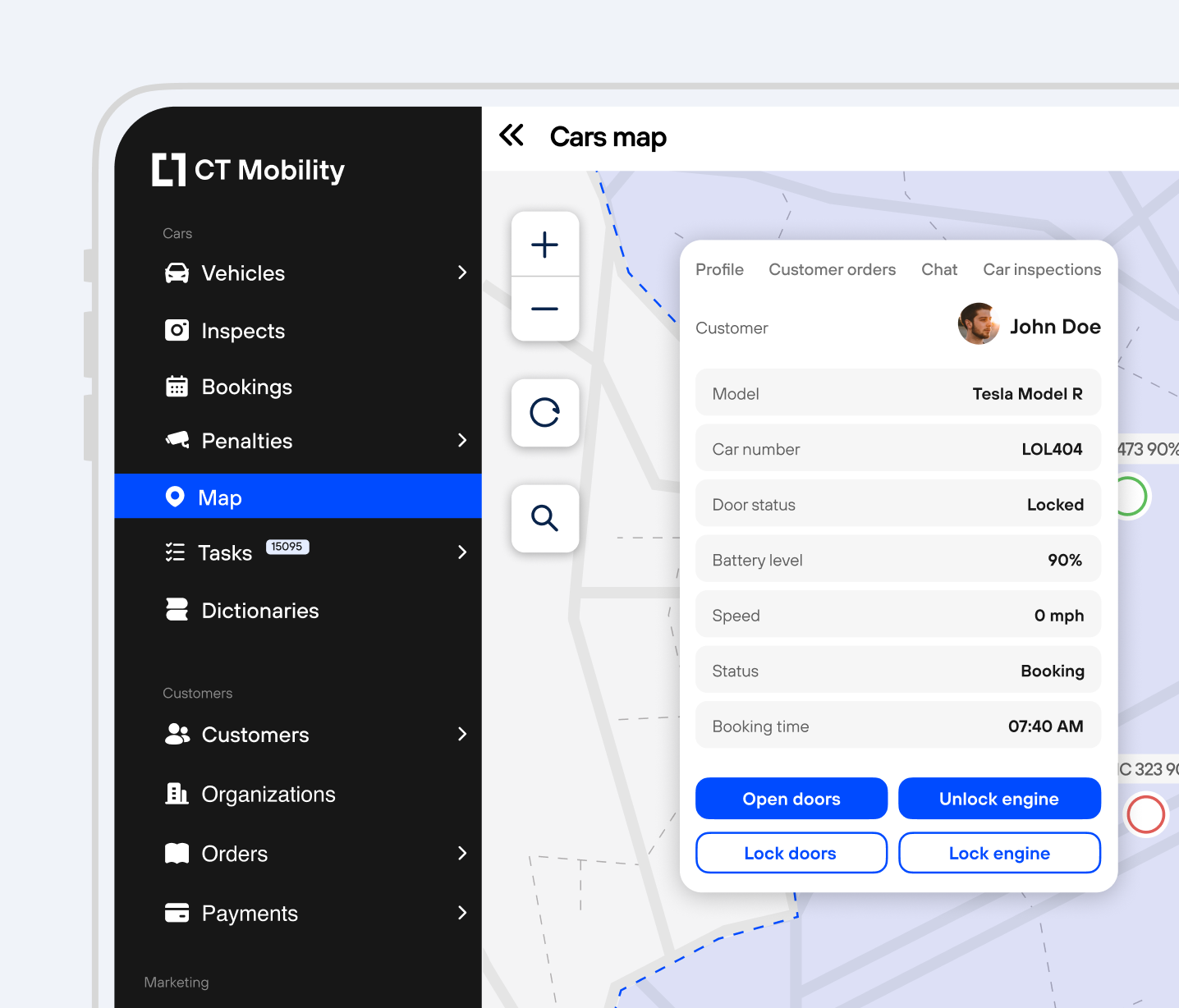
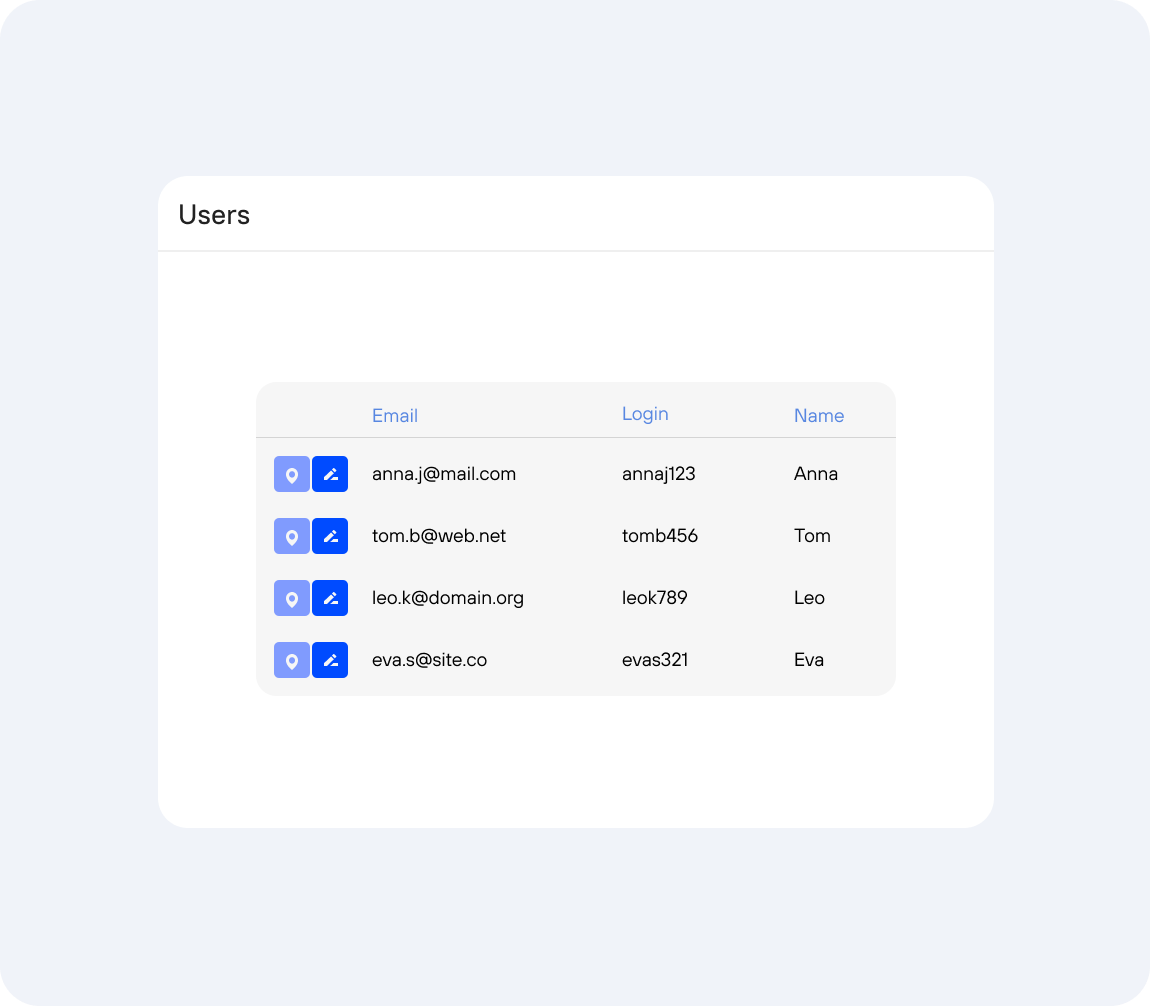
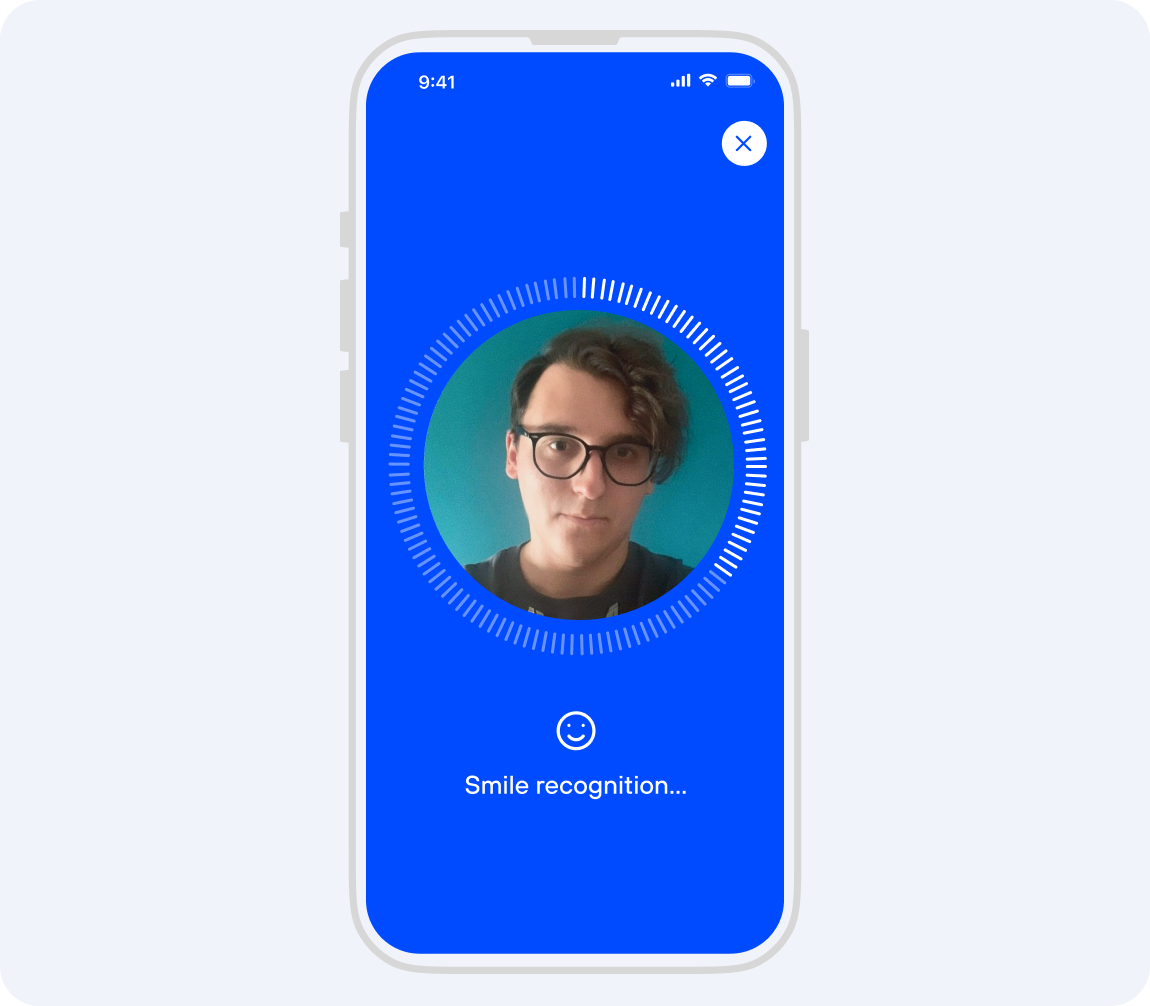
The digital key is given only to users who passed ID and driving licence verification, and only for the booked time. Operators can lock a car remotely and get alerts about ignition or door opening outside a rental.
Our team helps choose the right telematics device for each car model, plans installation and tests the full keyless flow before launch.
For the driver, unlocking is one tap. Behind it, three layers work together.
When the booking ends, the digital key stops working. To see the flow in practice, watch the keyless demo video.
Software pricing is on request. For UAE fleets, prices are listed on the fleet management software page.
They can run on the same telematics unit but solve different problems.
| GPS tracking | Digital key | Physical lock control | |
|---|---|---|---|
| What it does | Shows where the vehicle is, its trip history, mileage and alerts. It does not open the car. | Lets a verified driver unlock and lock the booked car by phone, only for the booking time. | Lets the operator lock the car remotely and, where supported, prevent engine start. |
| Who uses it | Fleet managers | Customers or employees | Operators and fleet admins |
| Hardware | GPS tracker or telematics unit | Telematics unit connected to the door locks; Bluetooth optional | Telematics unit connected to the door locks and, where the model allows, to engine start |
| Typical use | Location, trip history, towing and theft alerts | 24/7 car sharing, rental handover without a counter, pool cars without key boxes | Securing a car after a trip, reacting to ignition or door opening outside a booking |
Users book a car, unlock it from the phone and pay for the trip, with no office and no key handover, in free-floating, station-based or round-trip models. See car sharing software.
Customers pick up and return cars at any hour without a counter, with damage recorded through photo uploads. See the car rental app.
Employees book a pool car in the app, unlock it with their phone and return it to the company car park. See corporate car sharing software. If you use a key cabinet today, compare both on our page about a key management system alternative.
The driver books a car in the app and taps unlock. The CT Mobility platform checks that the booking is active and the driver is verified, then sends the command to the telematics unit in the car, which unlocks the doors. Where mobile coverage is weak, the phone can send the command over Bluetooth instead.
Each car needs a compatible telematics unit, such as Teltonika, connected to the door locks, plus mobile connectivity, usually an M2M SIM card in the unit. A tracking-only device may not control the locks. CT Mobility chooses the device for each car model and quotes hardware and installation after reviewing your vehicles.
Yes, with the Bluetooth option. Commands normally travel over the mobile network, which can be weak or missing in underground parking. CT Mobility supports Bluetooth access, so the phone can send the unlock or lock command directly to the unit in the car and the digital key keeps working without mobile signal.
Not every model supports every function. Locking and unlocking the doors is the common case, while engine start control and other functions depend on the make, model, year and installation. CT Mobility runs a compatibility check for each model before launch, so you know which functions are available for each car in your fleet.
It depends on the car. On some models the telematics unit can enable or prevent engine start, but keyless start is not available on every vehicle and also depends on the installation. The compatibility check for each model shows what is possible, so check it before you plan a fully keyless service.
Only users who passed ID and driving licence verification receive the digital key, and only for the booked time. When the booking ends, the key stops working. Operators can also lock a car remotely and receive alerts when the ignition is switched on or a door is opened outside a rental or booking.
Last updated: 22 October 2026
We have repeatedly proven this in practice with dozens of launched projects and years of successful work. Ask our clients who have tried several IT solutions but still remain with us.