Corporate car sharing software to turn company cars and pool cars into a shared fleet: employee booking app, keyless access, role-based rules, monthly limits, mileage and fuel tracking and reports.
Short answer: Corporate car sharing software lets a company share pool cars between employees. Staff book a car in a branded app, pass verification, unlock it by phone and return it with photos, while every trip is recorded. CT Mobility needs a telematics unit in each existing car and typically goes live in about 15 days; pricing is on request.
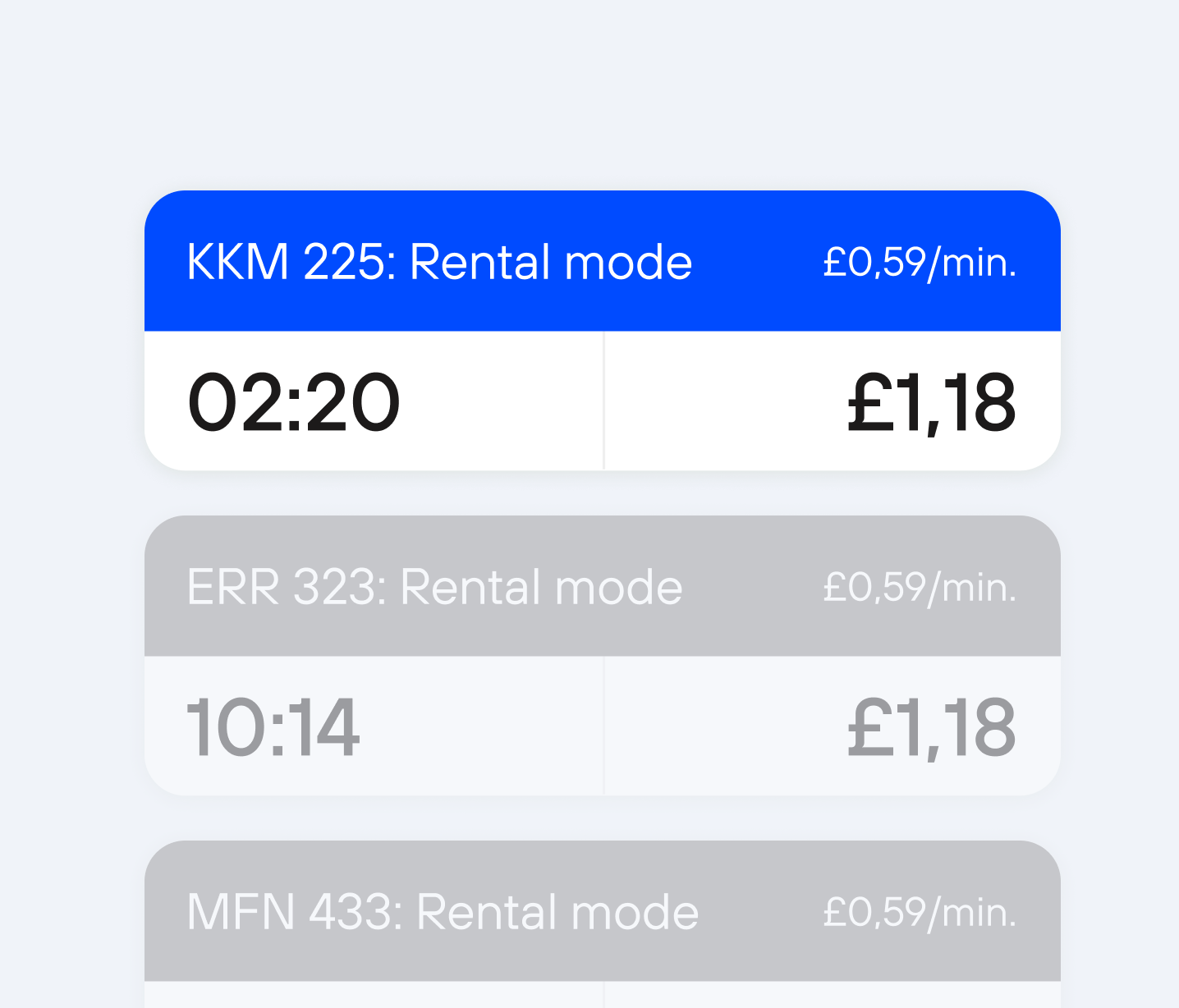
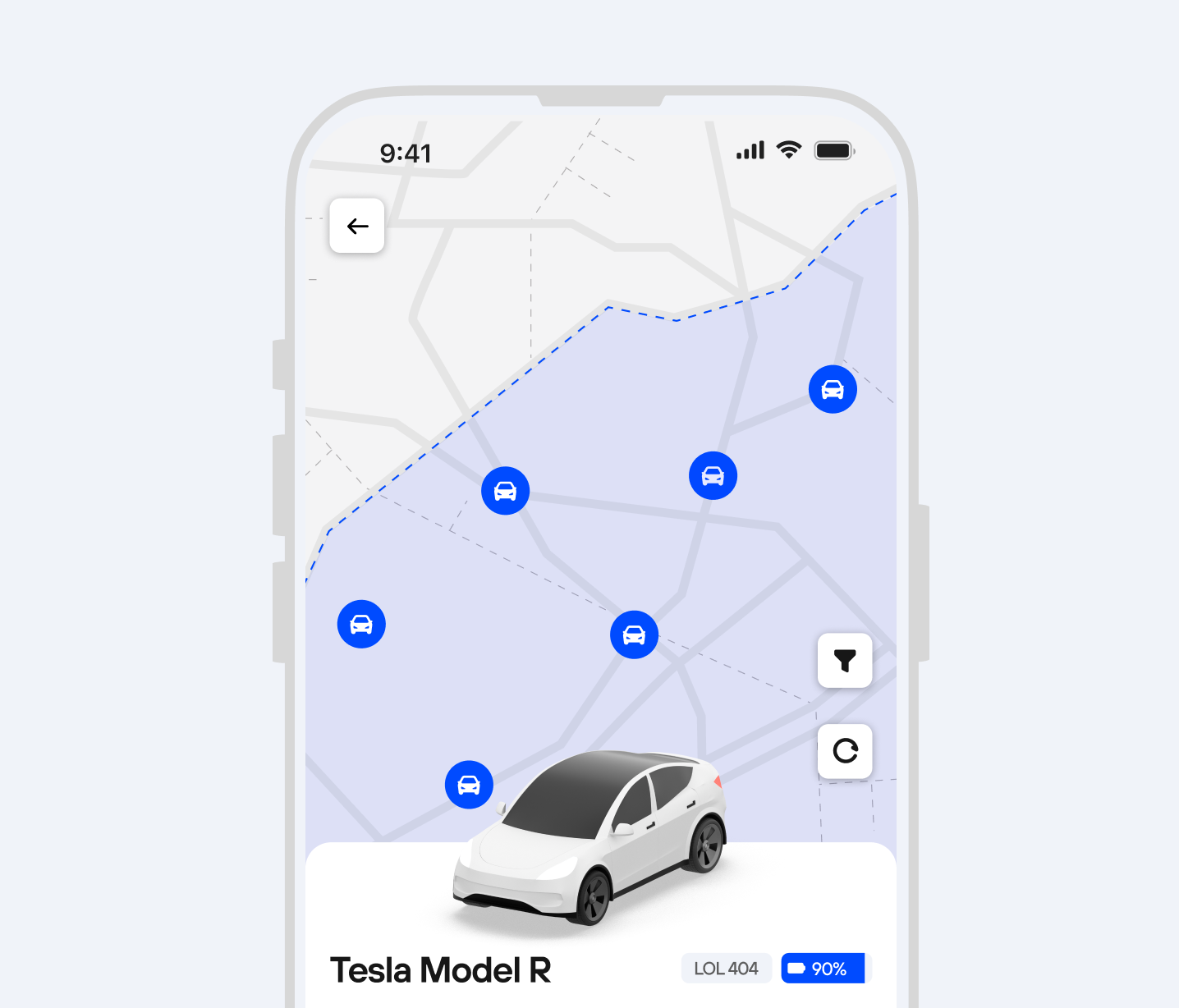
Employees book a pool car in the app, unlock it with their phone and return it to the company parking - no key boxes or spreadsheets. Bookings can be limited by role, team and usage schedule.
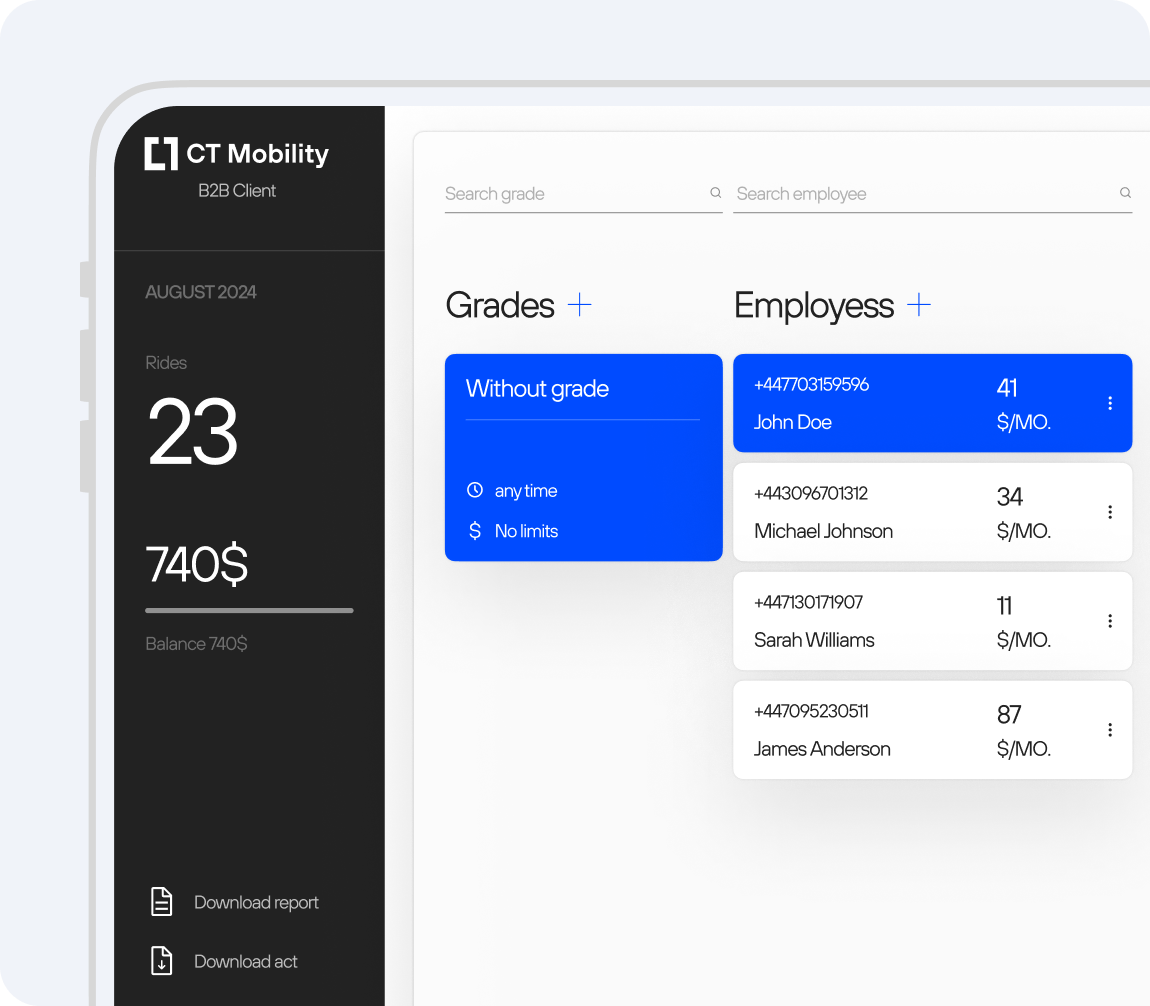
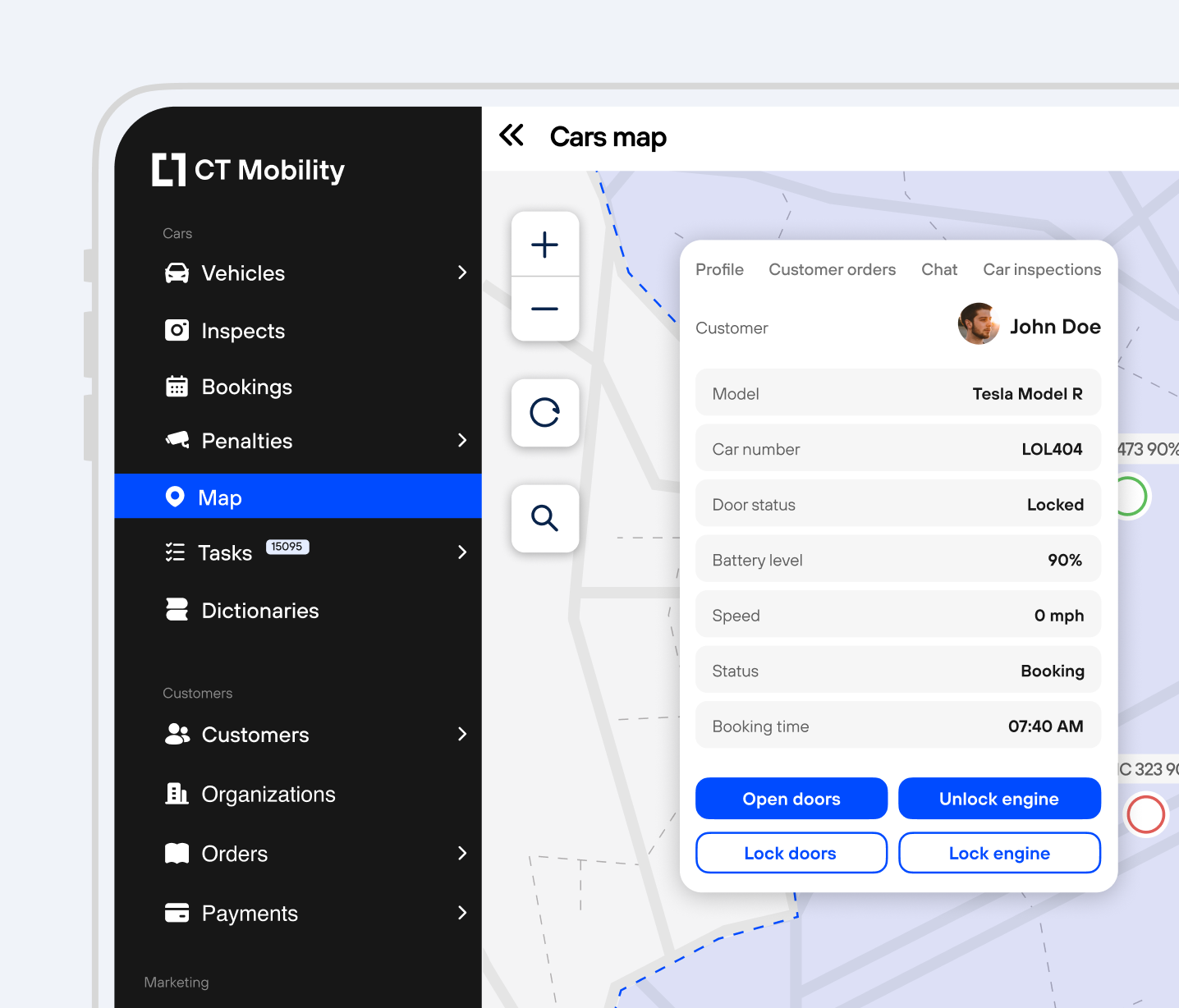
Telematics gives keyless access to every company car and records each trip with driver, mileage, fuel level and location. Fleet managers see which pool cars are really used and which can be removed.
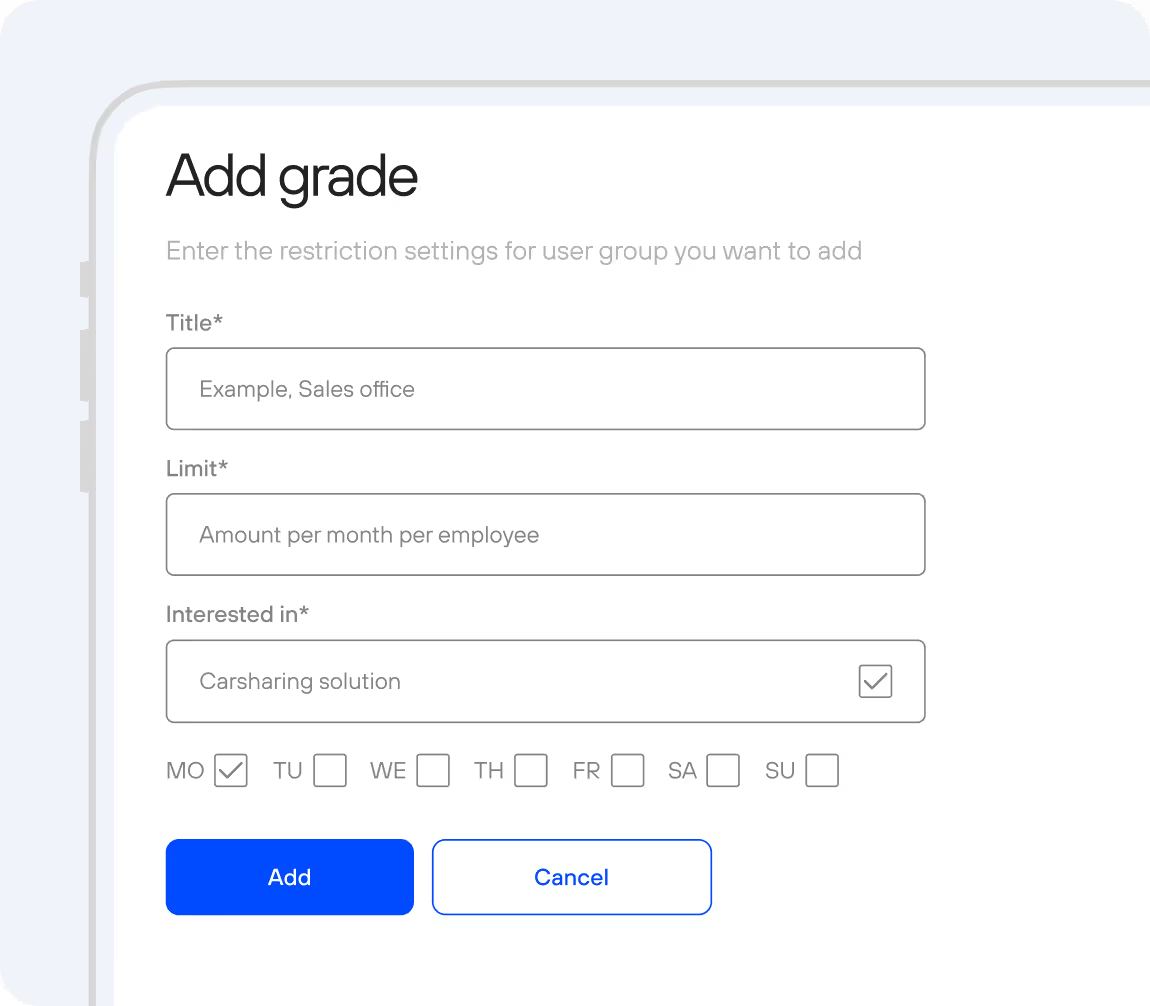
Set monthly ride limits, special rates and rules for each company or department, let managers control their team and spending, and bill business clients through the B2B portal.
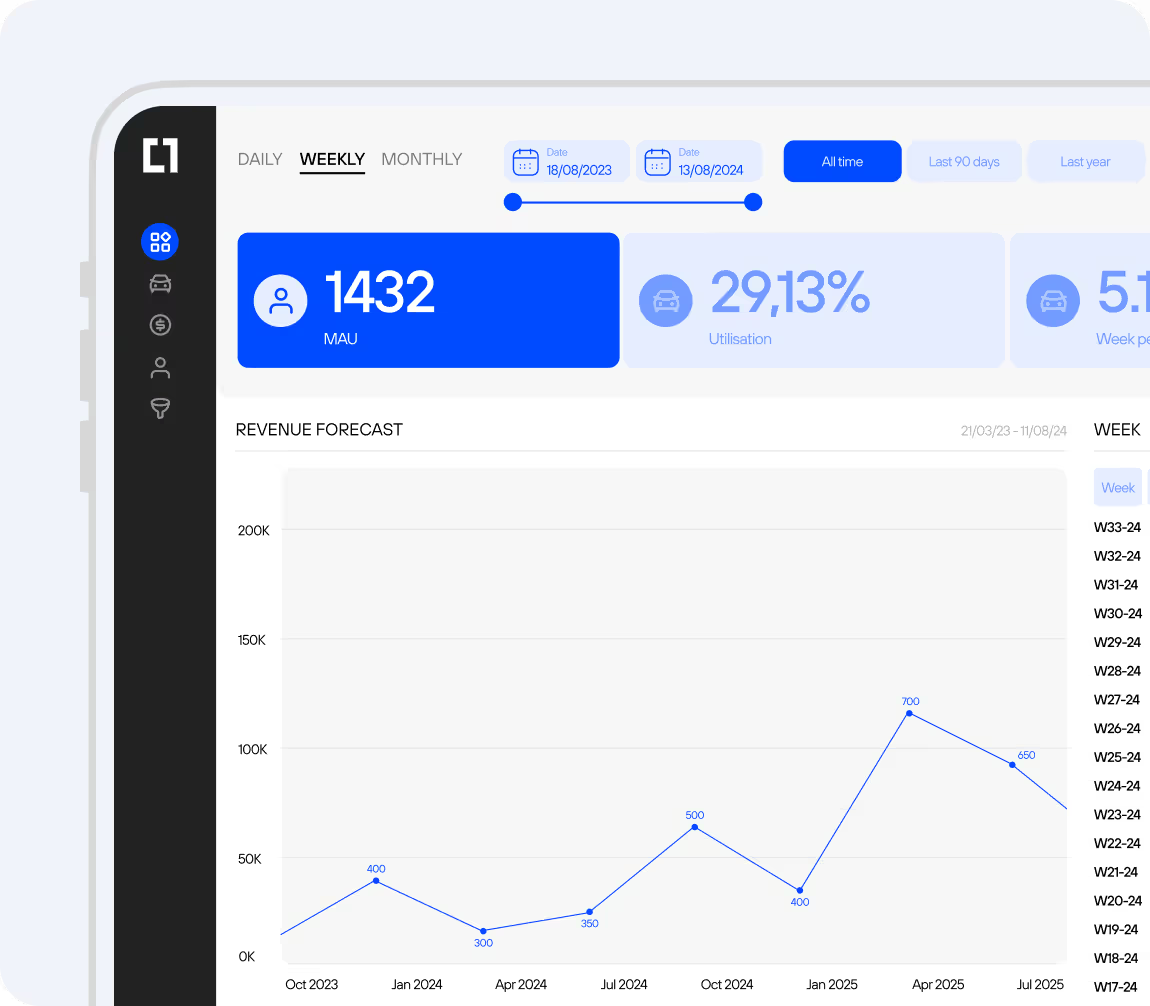
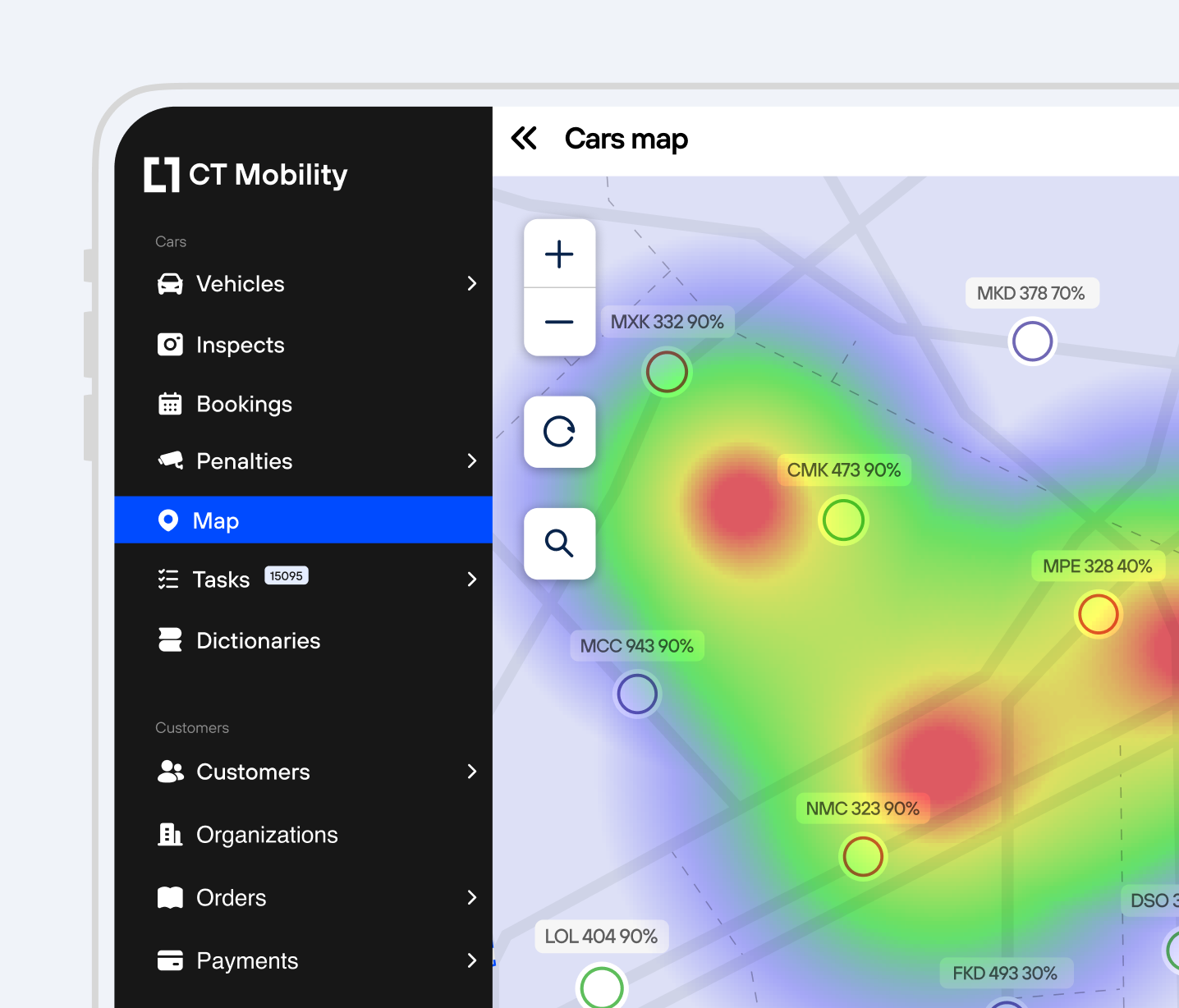
Utilisation, mileage, fuel consumption, damage reports, driver behaviour and usage history are available in dashboards, so corporate fleet sharing decisions are based on data.
Corporate car sharing is car sharing for a closed group. Instead of giving one car to one person, a company makes part of its fleet bookable by approved users: employees, departments, tenants or business clients. The company decides who may use which car, when, where it is picked up and returned, and which rules apply. For a longer introduction, read how corporate car sharing works and who it is for.
| Assigned company cars | Key box and spreadsheet | Corporate car sharing | |
|---|---|---|---|
| Who gets a car | One named employee | Whoever reaches the key first | Any approved employee, within rules |
| Booking | Not needed | Calendar, message or admin | In the app, checked against rules |
| Key handover | Not needed | At reception | Phone key for the booked time |
| Who drove, and in what condition | Known, but the car is often idle | Often unclear | Recorded per trip, with photos |
The booking flow, approval and no-shows are described in detail on the vehicle booking system for employees page. How the phone key works is explained on keyless car access.
Rules replace the admin who used to decide who gets which car. Permissions are set by employee, department, vehicle, day and time, so a sales team can see only city cars on working days and technicians only vans. You can add monthly ride limits, long-term bookings for project work, zones with geofencing and private fleets for one company.
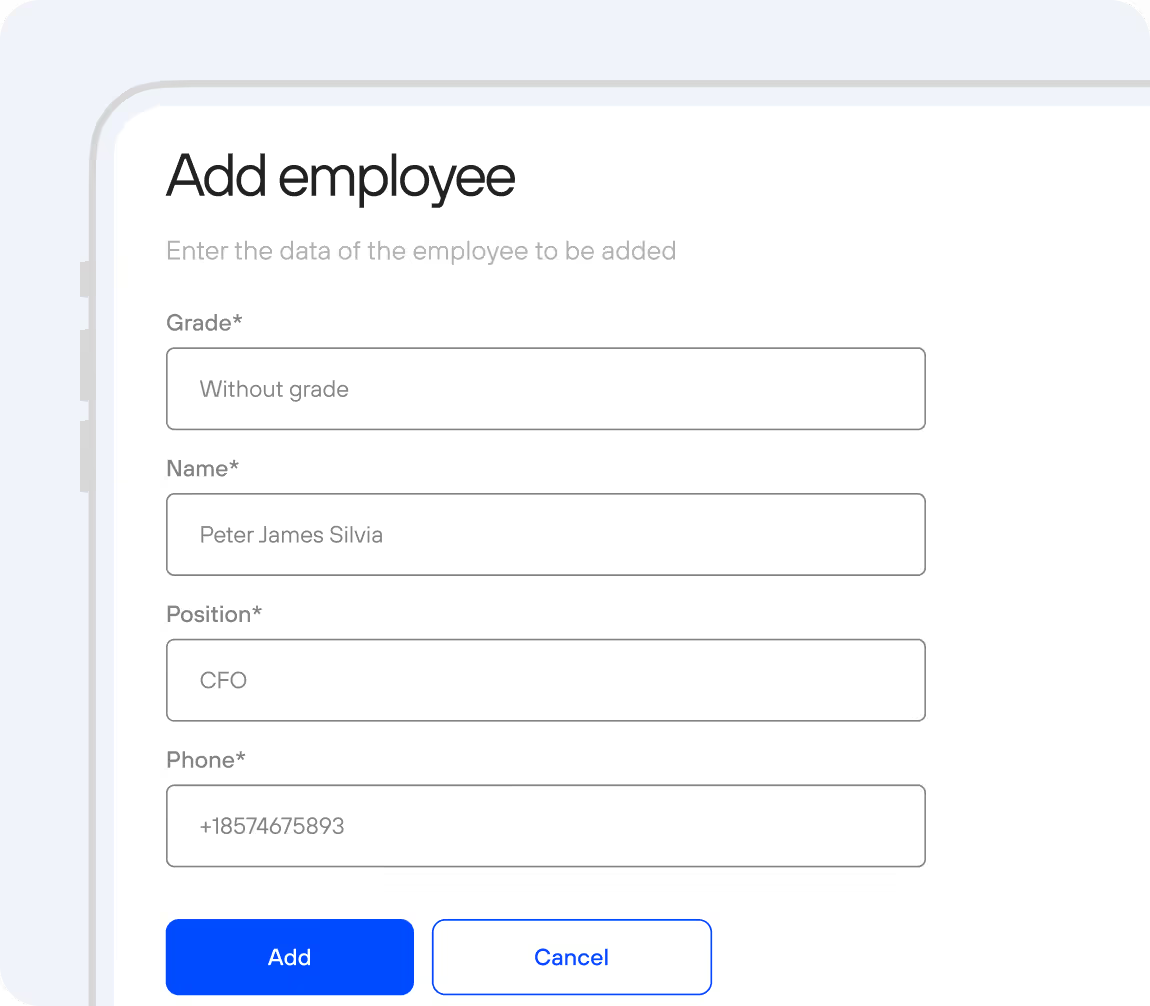
If several companies or business units share one fleet, each gets its own corporate account, limits, special rates and billing. Mobility operators use the same tools to sell corporate car sharing to business clients.
A typical launch takes about 15 days. Companies in the UAE can start with a free 2-vehicle software pilot; see pool car management in the UAE for terms and pricing.
It is software that lets a company share a pool of cars between approved users. Employees book a car in an app, unlock it by phone and return it, while the company sets the rules and sees every trip. CT Mobility combines the employee app, keyless access through telematics, booking rules, a B2B portal and reports.
Both use the same flow: find a car, unlock it with a phone, drive and return it. Public car sharing is open to any verified customer. Corporate car sharing is limited to a defined group, such as employees, tenants or business clients, and the company controls who may book which car, when and under which rules.
No. A telematics unit is installed in your existing vehicles to enable keyless access and trip recording. Compatibility is checked for each car model first, because a tracking-only device may not control the door locks. Hardware and installation are quoted after the vehicle review.
Yes. Permissions are set by employee, department, vehicle, day and time, so each person sees only the cars and hours they may book. You can add monthly ride limits, zones with geofencing and long-term bookings. Company or department managers can manage their own team's access and spending in the B2B portal.
After booking, the employee inspects the car, adds photos of any existing damage and unlocks it with the phone. The command goes through the telematics unit, or through Bluetooth where mobile coverage is weak, such as underground car parks. The digital key works only for verified employees and only for the booked time.
Yes. Each company or business unit gets its own corporate account with employee access, limits, special rates and billing through the B2B portal. Operators can also offer private fleets to a single company. Fleet administrators still see all vehicles, bookings and reports in one control panel.
A typical launch takes about 15 days, from consultation and vehicle review to installed hardware, configured rules and a branded app. Companies in the UAE can begin with a free software pilot on up to 2 vehicles; hardware, installation and mobile data are paid. Other markets receive pricing on request.
Last updated: 22 October 2026
We have repeatedly proven this in practice with dozens of launched projects and years of successful work. Ask our clients who have tried several IT solutions but still remain with us.